OneMagnify · Marketing technology
OneMagnify · Marketing technology
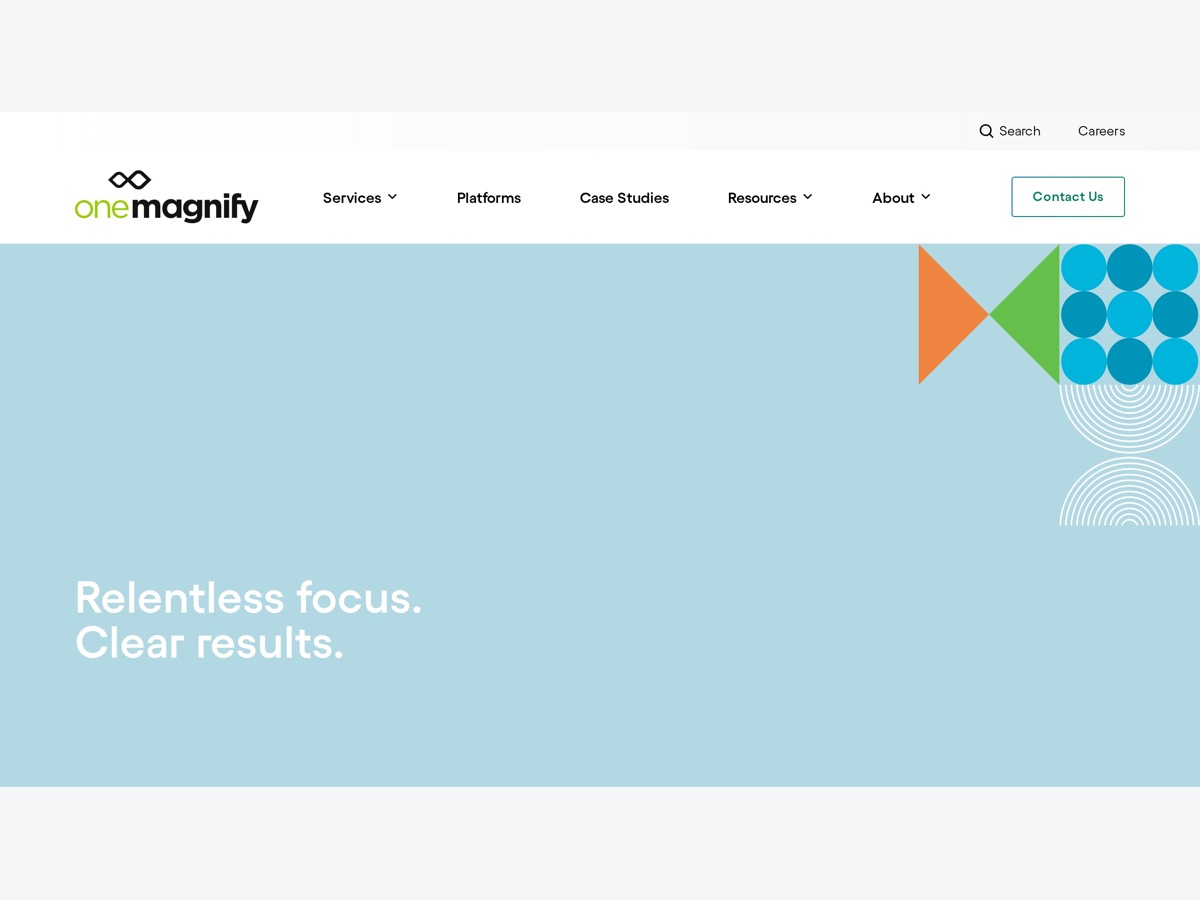
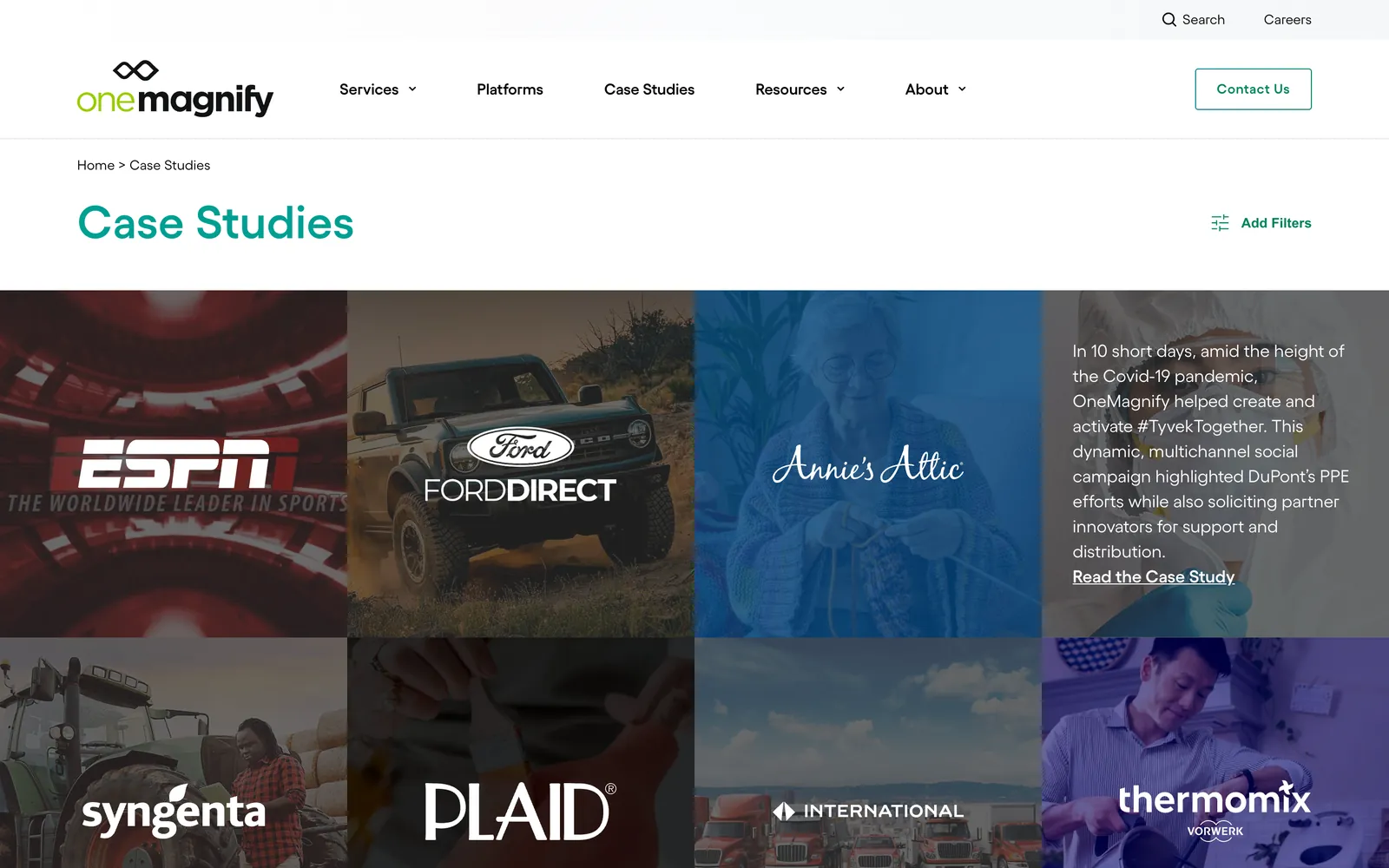
OneMagnify's website runs on HubSpot CMS, with shared modules across many pages. We maintain and extend it, adding new modules and layouts without letting a change on one page leak into another.
Client
OneMagnify
Sector
Marketing technology
Region
Global
Scope
Website
The problem
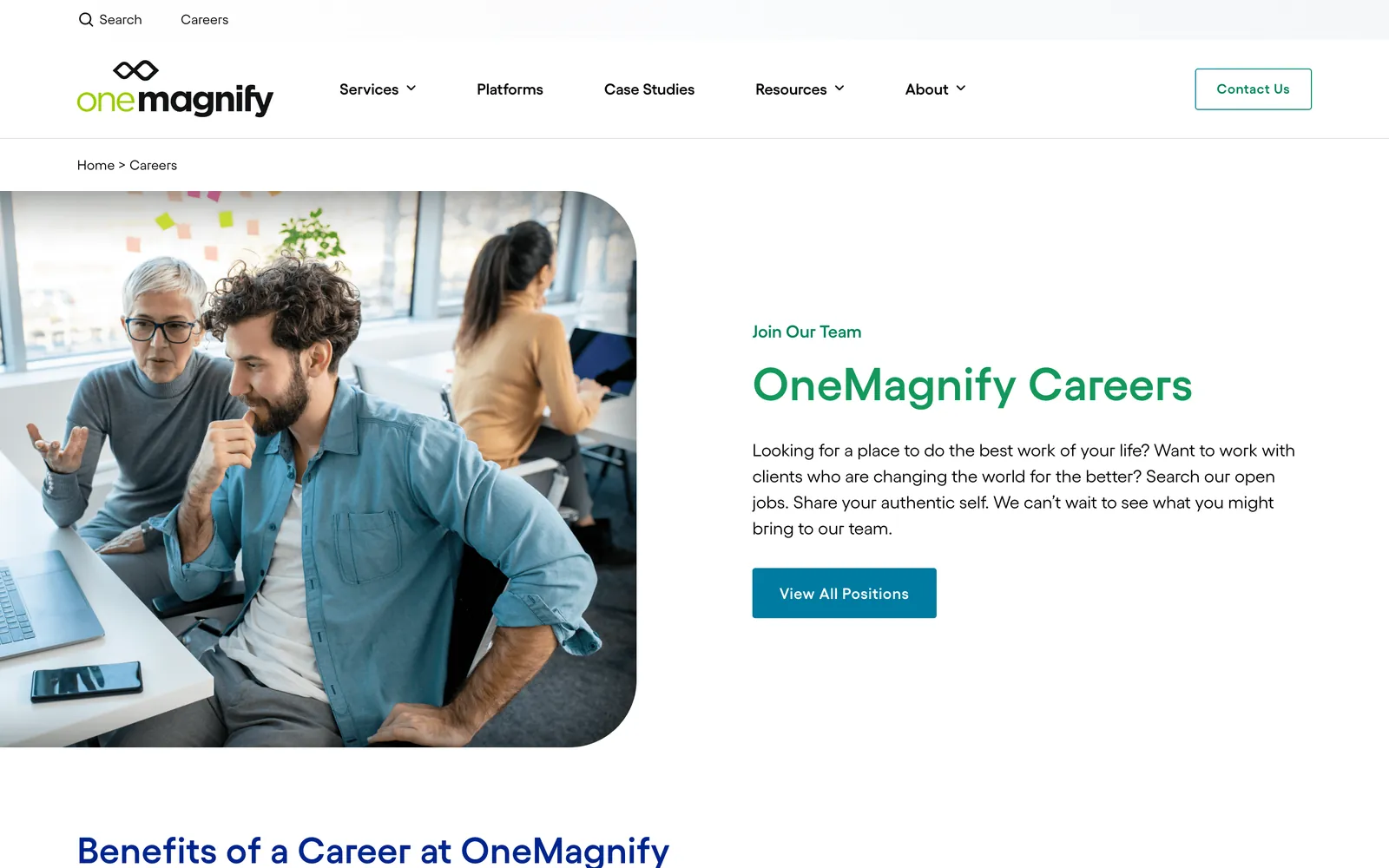
OneMagnify's site is built from HubSpot modules reused across many pages. That speeds up page building, but a style written for one module instance can quietly override another, and a draft upload to a shared module can reach the live site. The team also needed pages that told the company's story better, starting with careers.
The brand
OneMagnify describes itself as a marketing agency, data analytics consultancy and technology firm in one. Its website carries the case studies, careers, leadership and office locations that a global agency needs to show.
The solution
When a page needs something new, we build a small dedicated module instead of bending a shared one. Styles are scoped to each instance, and staging runs on its own templates and modules, so nothing reaches production until it has been reviewed.


Our intervention
The work runs as a steady stream of page and module changes on the live site.
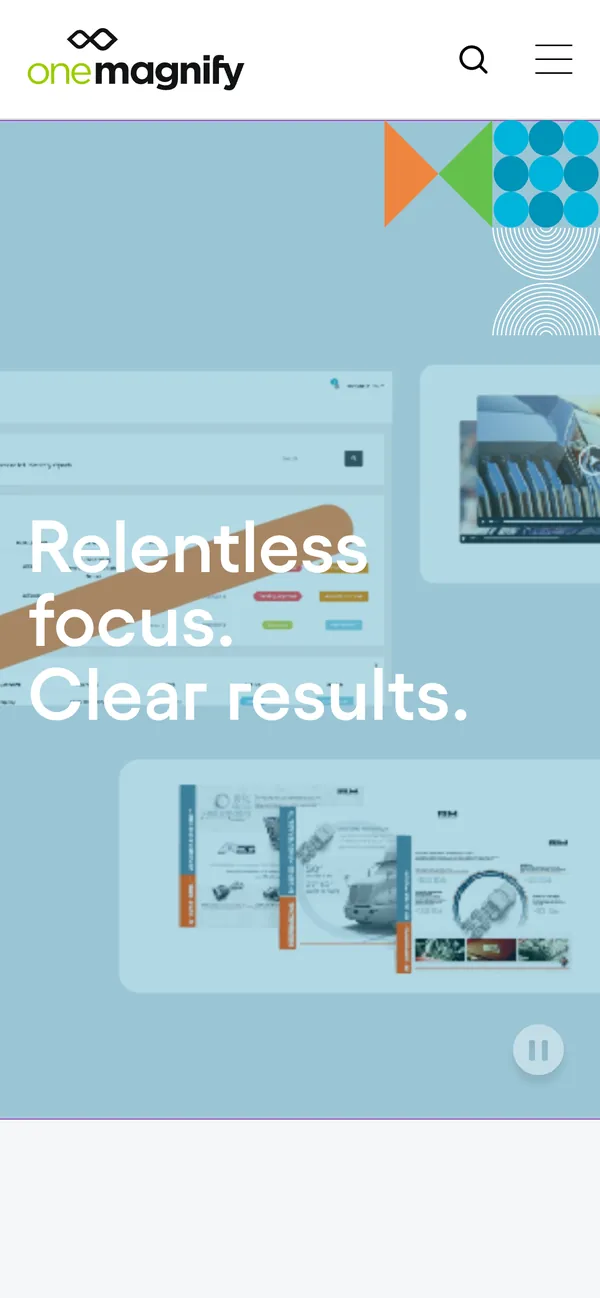
A dedicated testimonial module for employee quotes, and a careers hero reduced to one clear call to action in place of the jobs list.
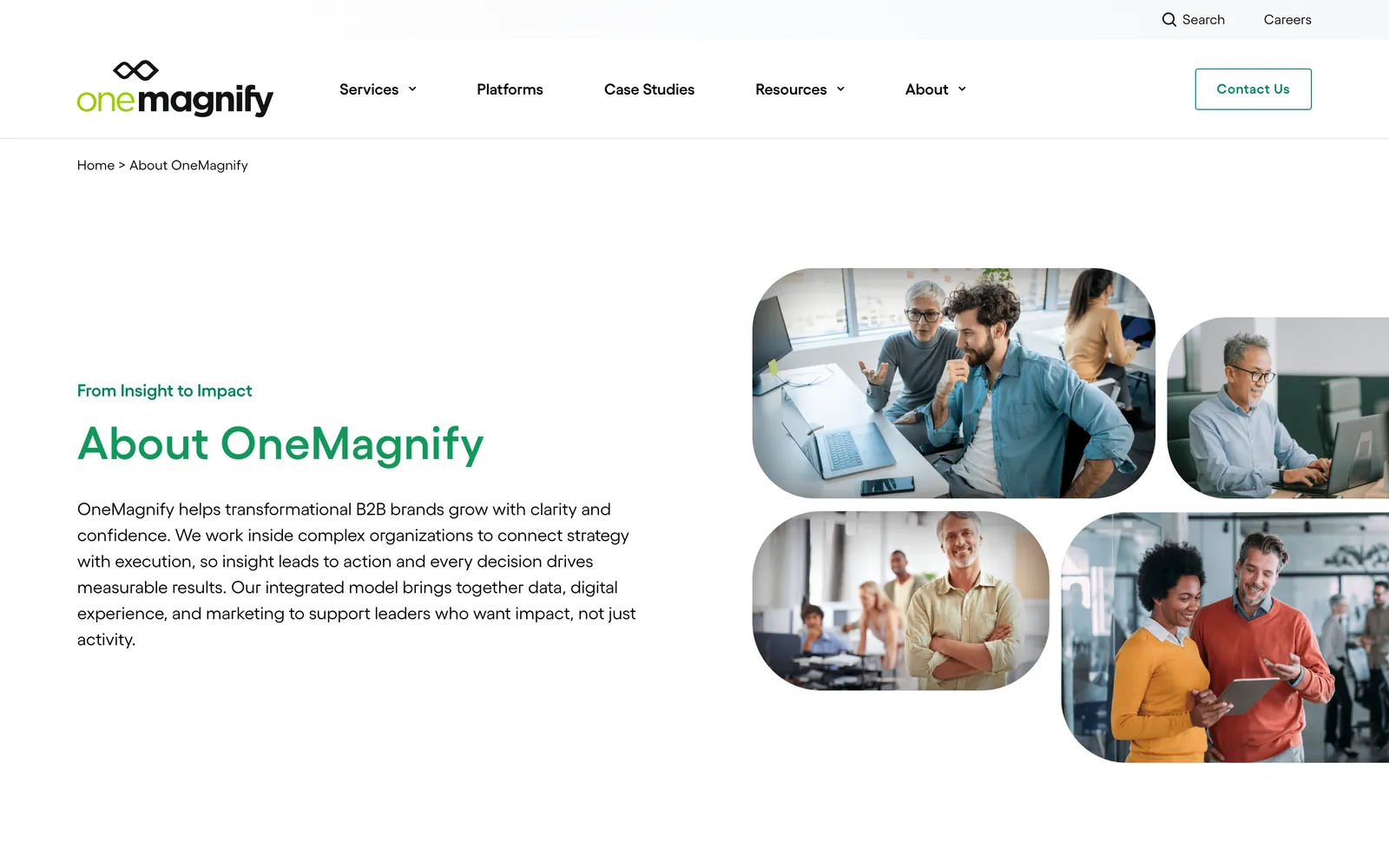
A new leadership layout on the About page that presents the executive team clearly on desktop and mobile.
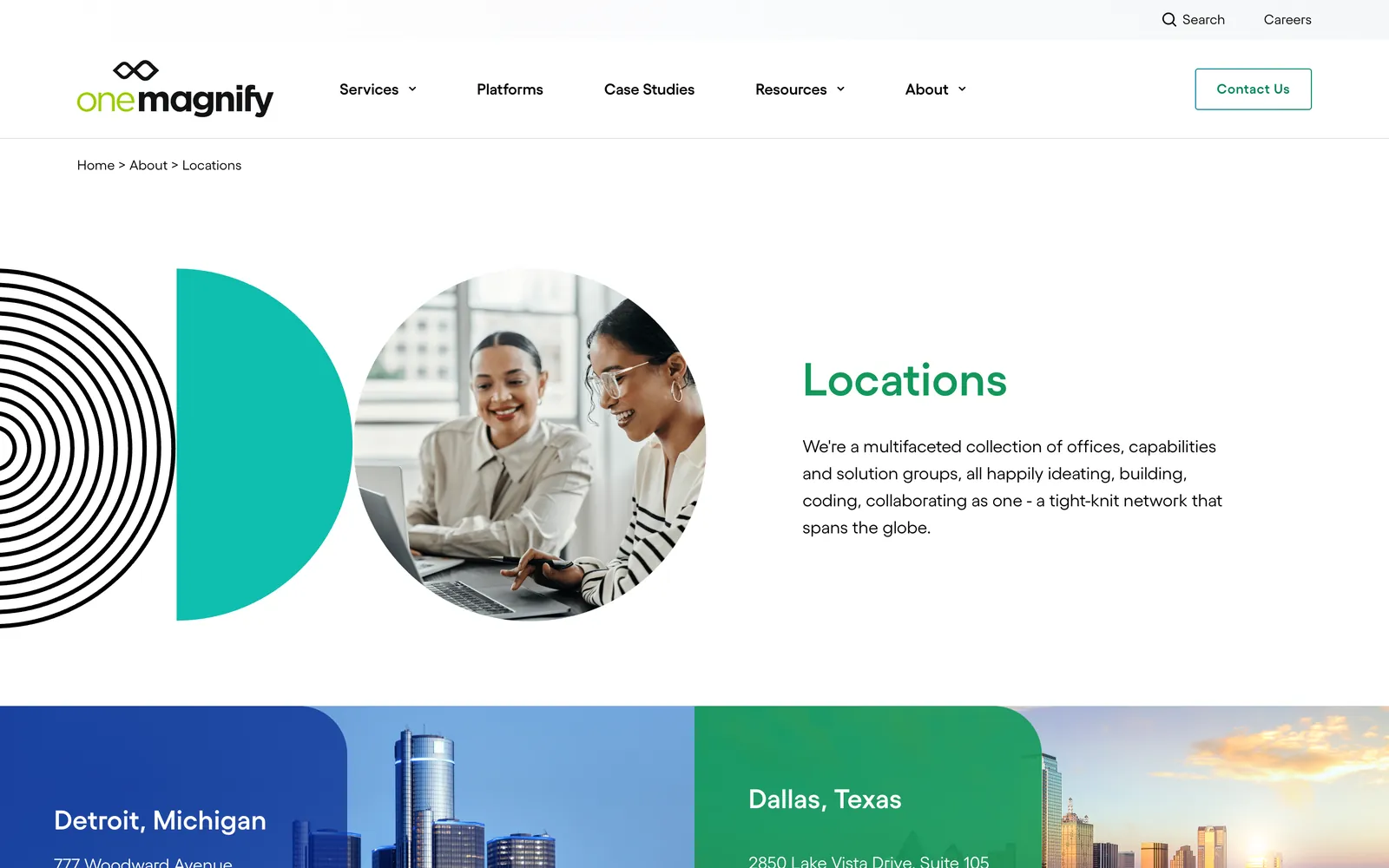
Los Angeles added to the office list, and location cards that inform without sending visitors to dead-end pages.
Staging templates isolated from production, plus fixes such as partner logos that now keep their proportions.



Our approach
On a large CMS, most bugs come from reuse that nobody planned for. We make each change as narrow as it can be.
A single quote got its own simple module after the shared slider brought along a default image and stray controls.
Padding and spacing are set per instance, so a second module on the same page cannot override the first.
If a change touches a shared module, we roll back the module as well as the page row that uses it.
Ongoing work
Maintenance is ongoing, and each request teaches us something about the module library.
We take new layouts, content updates and fixes as the team needs them, tested on staging first.
Next we propose a review of shared modules, to find the global styles most likely to leak between pages.
We are ready to add more employee stories to the careers page as the team approves them.
Toolstack
The CMS, templates and modules the whole site is built from.
Module and template logic inside HubSpot.
Small interactive behaviours inside modules.
Instance-scoped styles that keep modules from overriding each other.
Outcomes
Safe, ongoing change on a shared module system
Related work
OneMagnify · Marketing technology
Market Simplified · Capital markets · Trading technology
Ready when the challenge is